
GP32 Emulator
Play your GP32 games on Android
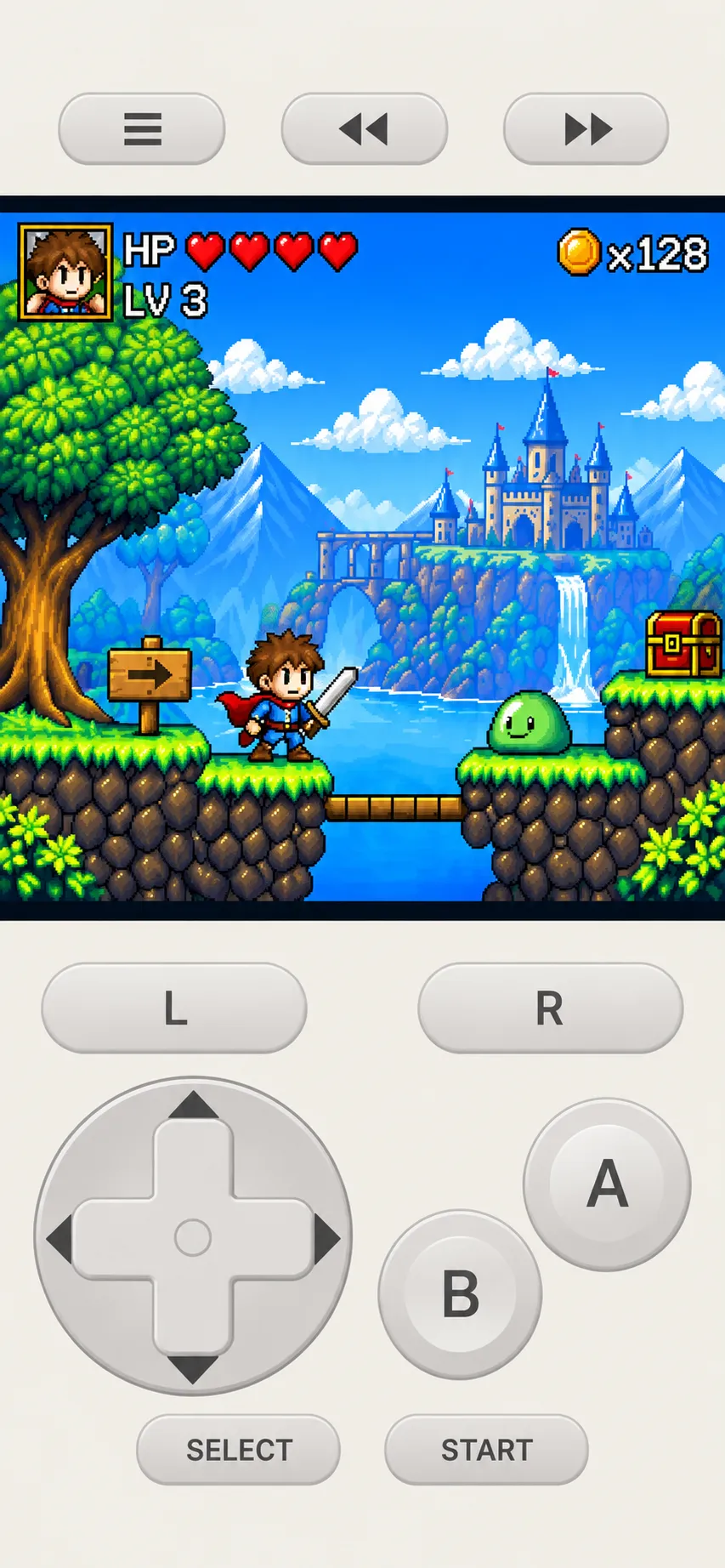
GP32 Emulator lets you play your own GP32 game files on Android. Choose GP32 Lite for simple, quick play, or GP32 Pro for save states, rewind, fast-forward, cheats and flexible controls.
Choose your edition

GP32 Lite
Simple and easy
Load your own compatible GP32 game files and start playing right away.
- Runs compatible GP32 game files on Android
- Simple, intuitive controls

GP32 Pro
Every feature for serious play
Everything in Lite, plus a game library, save states, rewind, fast-forward, cheats and more.
- Game library with titles and icons shown automatically
- Up to 10 save slots, with auto-save to resume quickly
- Rewind, and fast-forward at 2x, 4x, 8x or maximum speed
- Skip the firmware launcher after the first run
- Cheats, RAM search and CPU clock adjustment
- Virtual gamepad, physical gamepad or keyboard, with custom key mapping
- Screen scaling, visual filters, LCD color profiles and skins
- Backup and restore to a single ZIP file
Features
Your games, your device
Load the compatible GP32 game files you own and play them anywhere.
Save, rewind, fast-forward
GP32 Pro keeps up to 10 save states, rewinds mistakes and speeds through slow parts.
Play your way
With GP32 Pro, use the on-screen gamepad, a real controller or a keyboard, with custom key mapping.
FAQ
What's the difference between GP32 Lite and GP32 Pro?+
GP32 Lite is a simple way to run your games. GP32 Pro adds a game library, save states, rewind, fast-forward, cheats, CPU clock adjustment, custom controls, display and audio options, and backup and restore.
Does the app include games or firmware (BIOS)?+
No. GP32 Lite and GP32 Pro do not include firmware (BIOS) or game files. You need to provide your own compatible files. The apps do not provide, distribute or download copyrighted game files.
Is this an official GP32 app?+
No. GP32 Emulator is an unofficial application. It is not affiliated with or endorsed by Game Park.